
Control Sunlight Without Leaving Your Seat
Sunlight Control Should Not Be A Daily Chore
As an Amazon Associate, I earn from qualifying purchases.
There is a certain time of day when sunlight becomes less relaxing and more annoying.
It hits the television.
It reflects off a laptop screen.
It warms up the room.
It makes you get up just to turn the blinds slightly.
The SwitchBot Blind Tilt 3-Pack with Hub 2 is made for that exact kind of everyday irritation.
It gives compatible horizontal blinds smart tilt control, so you can adjust light and privacy without constantly walking to the window.
Why This Product Feels Useful In Real Life
Smart home products work best when they remove small frustrations.
This one is not about showing off. It is about comfort.
The SwitchBot Blind Tilt helps you manage your blinds when:
- the sun moves across the room,
- you need privacy in the evening,
- you want softer morning light,
- your windows are difficult to reach,
- or you simply want fewer manual tasks.
That is the type of upgrade you may not fully appreciate until it becomes part of your routine.
What The SwitchBot Blind Tilt Actually Does
This device controls the tilt angle of compatible blind slats.
That means it opens and closes the slats, but it does not lift the blinds up or down.
This distinction matters.
If you want to control privacy and brightness, it makes sense. If you want the entire blind to rise automatically, this is not the right product.
For many homes, though, tilting is the action people use most often.
The 3-Pack Advantage
A single smart blind controller can help one window.
A 3-pack can change how an entire room feels.
This bundle makes sense for rooms with multiple windows, especially where sunlight enters from different angles throughout the day.
Good locations include:
- living rooms,
- home offices,
- bedrooms,
- dining rooms,
- studio spaces,
- and bright apartments.
When several blinds work together, the room feels more consistent and easier to manage.
Hub 2 Adds More Smart Home Value
The included Hub 2 helps make the system more useful beyond basic nearby control.
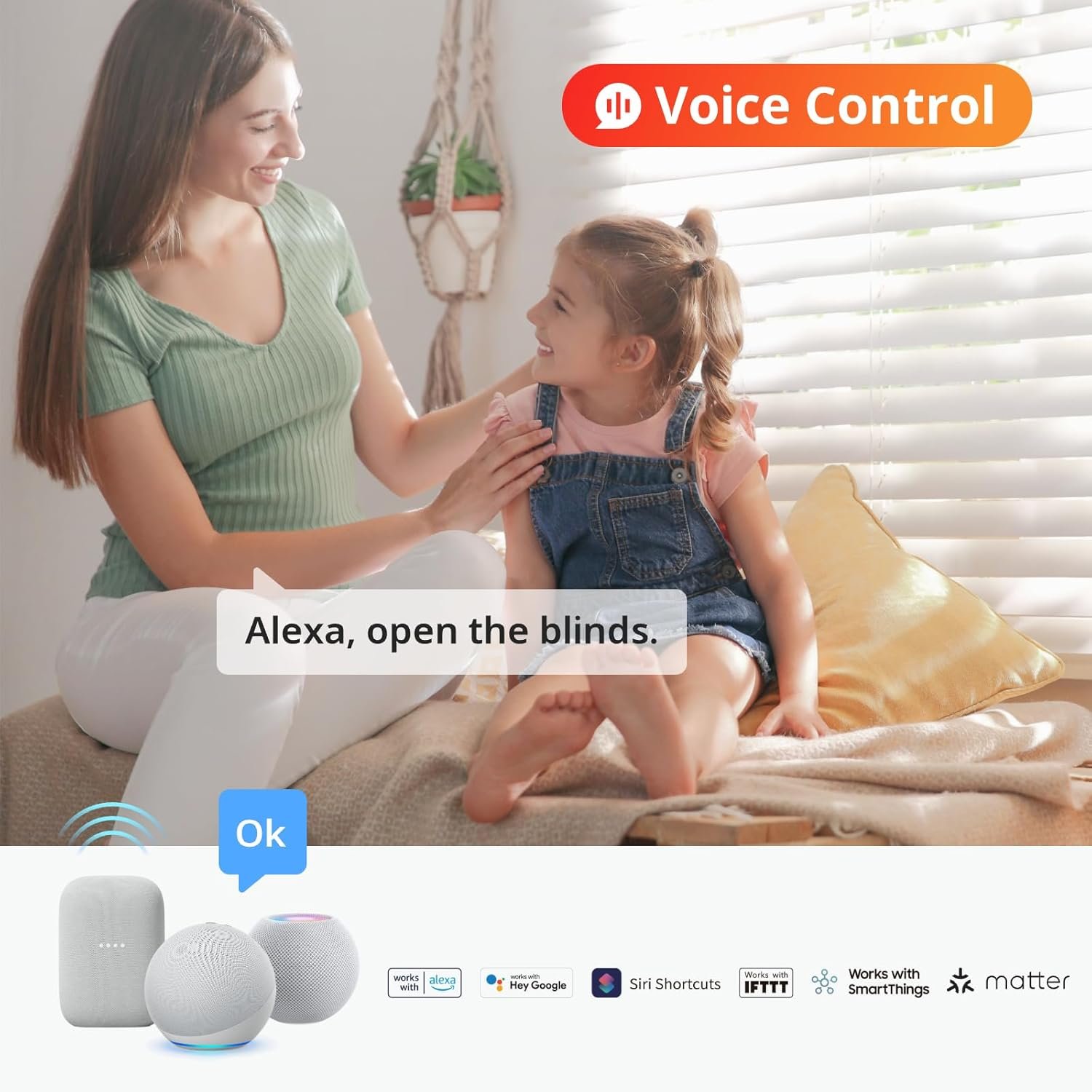
With the hub, the blinds can work better with smart home routines and supported voice assistants.
That means you can create setups such as:
- Morning blinds open slightly
- Afternoon glare reduction
- Evening privacy mode
- Movie night dimming
- Bedtime blind closing
This is where the product becomes more than a remote-controlled blind motor. It becomes part of the room’s daily rhythm.
Best Uses Around The Home
For Living Rooms
Living rooms often have multiple windows and changing light conditions.
The SwitchBot Blind Tilt can help reduce glare during television time, brighten the room during the day, and improve privacy at night.
For Bedrooms
A gentle morning light routine can feel more natural than a dark room and a loud alarm.
It can also make evening privacy easier.
For Home Offices
This may be one of the strongest use cases.
If sunlight regularly hits your monitor, automated blind tilt can make work more comfortable with fewer interruptions.
For Hard-To-Reach Windows
Some blinds are blocked by desks, sofas, cabinets, or awkward room layouts.
Smart tilt control can make those windows usable again.
Why It May Appeal To Smart Home Beginners
Some smart home upgrades are intimidating.
This one is fairly easy to understand: it turns the blind wand function into a smart-controlled action.
That makes it less abstract than many other devices.
You are not trying to figure out a complicated new habit. You are improving something you already do every day.
For beginners, that is a better entry point into home automation.
Comfort Benefits That Add Up
The value is not only in controlling blinds from your phone.
The bigger benefit is making your space feel more comfortable with less effort.
You can use it to help:
- soften harsh daylight,
- reduce glare,
- improve privacy,
- manage room brightness,
- support daily routines,
- and make windows easier to control.
These are not dramatic changes, but they are noticeable.
Good smart home upgrades often feel quiet and practical.
What To Check Before Buying
Before choosing the SwitchBot Blind Tilt, check your current blinds carefully.
You need compatible horizontal blinds and the right kind of tilt mechanism.
This step is important because retrofit smart devices depend heavily on the setup already in your home.
Also think about whether you want tilt control only. If you expect full lifting and lowering, you may be disappointed.
Honest Downsides
The SwitchBot Blind Tilt has clear strengths, but it is not perfect.
The main tradeoffs are:
- It does not raise or lower blinds.
- It requires compatible blinds.
- Installation and calibration may take patience.
- The device is visible after installation.
- It may be unnecessary for one small, easy-to-reach window.
None of these are deal-breakers for the right buyer, but they are worth knowing.
Who This Product Is Best For
This product makes the most sense for people who want practical smart home convenience.
It is a good fit for:
- homeowners with multiple blinds,
- apartment renters with compatible blinds,
- remote workers,
- smart home users,
- families,
- people with bright rooms,
- and anyone tired of adjusting blinds several times a day.
It is less suited to people who want premium hidden motorized blinds or full blind lifting automation.
Final Thoughts
The SwitchBot Blind Tilt 3-Pack with Hub 2 is a useful smart home upgrade for controlling sunlight, privacy, and comfort with less effort.
It is not a full replacement for motorized blinds, and compatibility matters. But for people with the right blinds, it offers a sensible way to make everyday window control easier.
A good fit for anyone who wants smarter rooms without replacing the blinds they already have.
Pros And Cons
Pros
- Helps automate compatible existing blinds
- 3-pack suits multi-window rooms
- Useful for glare, privacy, and daylight control
- Hub 2 improves smart home integration
- Works well in offices, bedrooms, and living rooms
- More practical than many novelty smart devices
Cons
- Tilts only, does not lift blinds
- Compatibility must be confirmed
- Hardware is visible
- Setup may require adjustment
- Not essential for simple one-window rooms
FAQ
Can this help with afternoon glare?
Yes, it can help adjust blind slats to reduce harsh sunlight and screen glare.
Does it work without replacing my blinds?
Yes, it is designed to upgrade compatible existing blinds.
Is this suitable for multiple windows?
Yes, the 3-pack is especially useful for rooms with several blinds.
Can I use voice control?
With the included Hub 2, supported voice assistant control is available.
Is it worth it for one blind?
It can be, but the 3-pack makes more sense for rooms where several blinds need regular adjustment.
Check It Out!